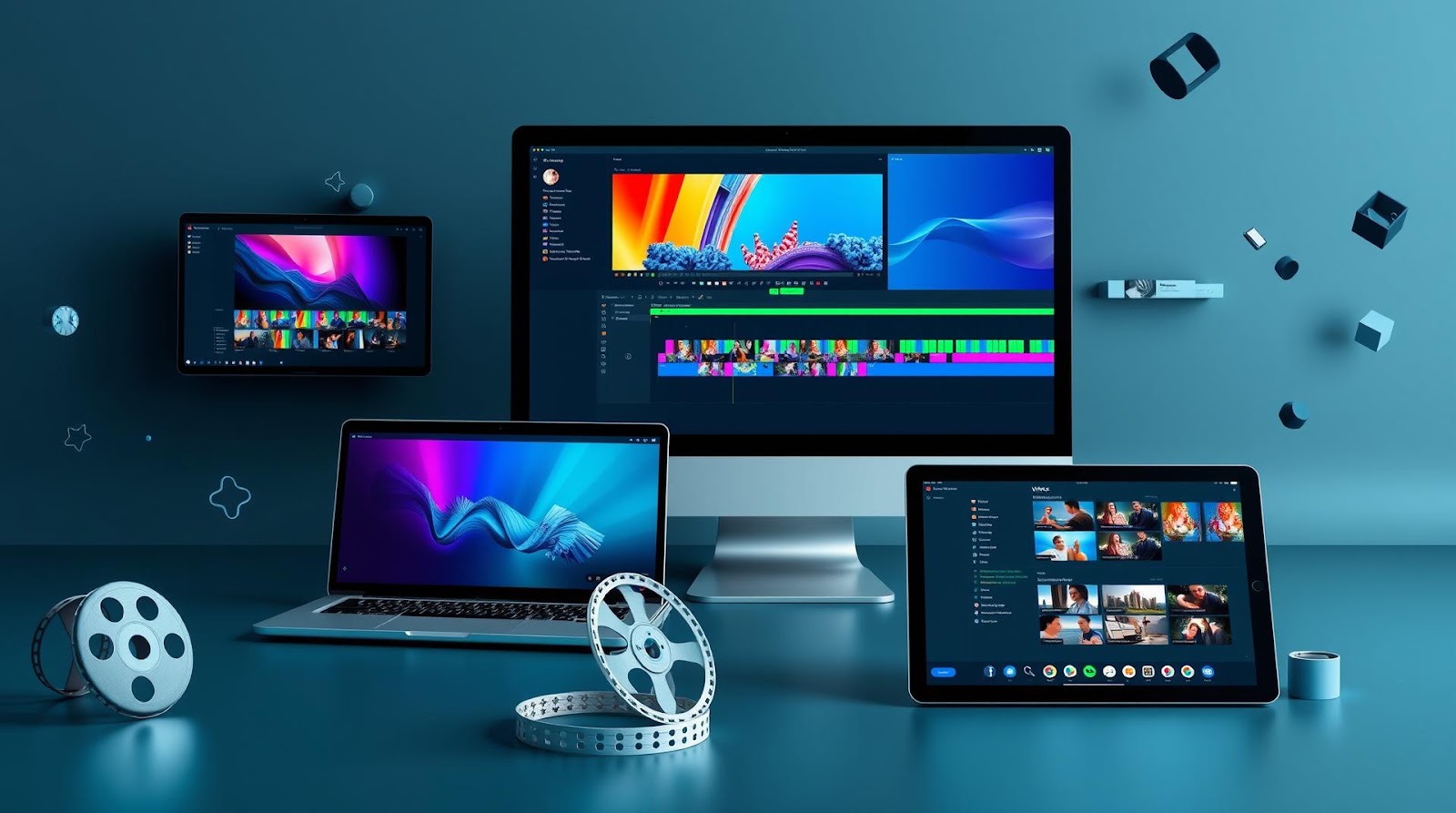
Introduction
Look, I get it. You want to edit videos without dropping $50+ a month on Adobe Premiere or Final Cut Pro. Maybe you're a student making YouTube videos, a content creator just starting out, or someone who just wants to edit home videos without feeling like you need a computer science degree.
I've been there. And I've tested pretty much every free video editor worth your time over the past few months. Some surprised me. Others... well, let's just say they surprised me for the wrong reasons.
Here's what I found: there ARE genuinely good free options. But not all of them are created equal. Some have learning curves steeper than a ski slope. Others limit your exports. A few are actually almost as capable as paid software—if you know where to look.
I'm going to walk you through the ones I'd actually recommend, with honest pros and cons based on real testing. No fluff, no sponsored nonsense. Just what actually works.
Why Most Beginners Pick the Wrong Video Editor
Before we get to my recommendations, let me save you some time. The biggest mistake I see people make is downloading the first free editor they find, getting frustrated after 20 minutes, and then assuming video editing is just hard.
It's not hard. The wrong tool is just... hard.
When you're picking a free video editor as a beginner, you need to think about three things: How intuitive is the interface? Can you actually export your video when you're done? And will it eventually let you do the slightly more advanced stuff you'll want to learn in a few weeks?
Too many free editors fail on at least one of these. Some have interfaces that look like they were designed in 2005. Others randomly limit your export quality or slap watermarks on everything. A few are so feature-light that you'll outgrow them in a week.
I tested six different editors and actually used them for real projects—not just clicked around for 10 minutes. Here's what I found.
The Best Free Video Editors I Actually Recommend
DaVinci Resolve — The Obvious Winner (If You Have the Patience)
I'm just going to say it: DaVinci Resolve is probably the most powerful free video editor on the planet. It's what professional colorists use. It's what Hollywood uses, honestly. The free version isn't some stripped-down demo—it's legitimately feature-complete for most editing tasks.
But here's the thing. It's also intimidating as hell if you're picking up a video editor for the first time.
I spent about 45 minutes just figuring out where to import clips. The interface has roughly 47 different panels and buttons, most of which you don't need as a beginner. It's powerful, sure, but it feels like learning to fly a plane when you just want to drive a car.
That said—and this is important—if you push through that initial learning curve, you'll never need to upgrade. I've edited everything from YouTube videos to short films in this thing. The color correction is genuinely stellar. The stabilization works. Multiple video tracks, transitions, effects, audio mixing—it's all there and it actually works well.
My take: Perfect if you're willing to watch a few YouTube tutorials and don't mind a steep initial learning curve. Terrible if you want to open the app and edit something in 20 minutes.
Shotcut — The Dark Horse That Actually Surprised Me
Full transparency: I'd never heard of Shotcut before I started researching this. I almost skipped it. Then I opened it and was legitimately shocked.
Shotcut hits this sweet spot I didn't expect to find. The interface is cleaner than DaVinci Resolve but more powerful than the super-basic editors. You've got a timeline, you can do multi-track editing, there's a reasonable selection of transitions and effects, and everything exports without weird limitations.
I edited a 12-minute video in Shotcut last month. It was smooth. No crashes, no weird glitches. The export quality was great (and completely free—no watermarks, no "pro version" nonsense). Did it have every feature I might want? No. Did it do everything I actually needed? Completely.
The documentation is a bit sparse, which is my main complaint. If you get stuck, you might spend 10 minutes Googling before you find the answer. But the community is helpful, and most beginner tasks are pretty intuitive.
My take: Criminally underrated. This is my go-to recommendation for someone who wants something more powerful than a basic editor but less overwhelming than DaVinci Resolve.
CapCut (Desktop Version) — The Surprisingly Solid Option from the TikTok Company
You know CapCut from TikTok. You probably have it on your phone. But the desktop version is worth mentioning separately because it's actually... good?
I was skeptical. Phone video editors that come to desktop are usually disasters. But CapCut's desktop version is snappy, the interface is genuinely intuitive, and it includes some genuinely useful features like auto-caption generation and automatic background removal that you'd normally pay for in other editors.
The limitations: it's still less powerful than Shotcut or DaVinci Resolve. If you need precise audio mixing or advanced color grading, you'll hit walls. Also, there's some vagueness around what happens to your content (it's made by ByteDance, the Chinese company behind TikTok), so if you're working with sensitive material, maybe think twice.
That said? For YouTube shorts, TikToks, or quick social media videos, this thing is excellent. The export is fast and clean.
My take: Best if you're making short-form social media content. If you're serious about longer videos, move on.
| Editor | Learning Curve | Best For | Watermark? |
|---|---|---|---|
| DaVinci Resolve | Steep | Professional-quality editing | No |
| Shotcut | Moderate | Balanced power + usability | No |
| CapCut Desktop | Very Easy | Social media shorts | No |
| OpenShot | Very Easy | Super simple projects | No |
| Kdenlive | Moderate | Linux users / advanced editing | No |
OpenShot — For When You Just Want Simple
OpenShot is the editor you download when you just need to trim some clips, slap on a transition or two, and be done with it.
It's lightweight, it runs on basically any computer (even older ones), and the interface won't make your head spin. You can import clips, arrange them on a timeline, add fade transitions, and export. That's it. That's the whole thing.
Is it limiting? Yeah. Want to do color correction? Too bad. Want advanced audio mixing? Not happening. But if your needs are genuinely simple, this eliminates all the confusion of bigger editors.
My take: Great for absolute beginners or simple projects. You'll outgrow it fast if you're ambitious.
What About the Others I Tested?
I also tried Kdenlive, HitFilm Express, and Lightworks. Here's the quick version:
Kdenlive is genuinely powerful and free, but it's primarily for Linux users and crashes way too often on Windows and Mac. Not worth the headache unless you're already on Linux.
HitFilm Express has actually impressive VFX capabilities for free, but they're aggressive about upselling you to the paid version. The free tier feels deliberately limited, which annoyed me.
Lightworks is what professionals used before DaVinci Resolve existed. It's still powerful, but the interface feels ancient and there's a confusing paid tier system that makes it hard to know what's actually free.
How to Actually Pick the Right One For You
Forget what I recommended. Here's how you actually figure out which editor is right for your specific situation:
Are you making 15-second TikToks and YouTube Shorts? CapCut. Don't overthink it. You'll be done before you know it.
Do you want something simple and lightweight for basic trimming and transitions? OpenShot. Fast learning curve, low system requirements.
Do you want to learn something that'll grow with you and eventually let you do professional work? Shotcut or DaVinci Resolve. Shotcut is the friendlier path. DaVinci Resolve is the more powerful destination.
Are you willing to spend 3-4 hours watching tutorials before making anything? DaVinci Resolve. 100%. It's worth it.
Do you want something in the middle—more power than OpenShot but less chaos than DaVinci Resolve? Shotcut is your answer.
Here's what I've learned testing this stuff: the "best" editor isn't the most powerful one. It's the one you'll actually use consistently because the interface doesn't frustrate you.
Practical Tips Nobody Tells You
You might be surprised to know that most editing problems aren't software problems—they're workflow problems. Here's what actually makes a difference once you pick an editor:
Organize your files before you start editing. Sounds obvious. It's not. I've spent 20 minutes hunting through folders for the right clip because I didn't label things properly. Create a simple folder structure: Original Footage, Audio, Graphics, Final Export. Your 10-minute-future-self will love your 10-minute-ago-self for doing this.
Use keyboard shortcuts from day one. Yeah, it feels slower at first. But after two weeks, you'll be cutting 40% faster. Every editor is different, so learn the ones that matter for your workflow (import, cut, delete, export).
Your computer's specs matter more than you think. DaVinci Resolve and Shotcut both want at least 8GB of RAM to run smoothly. If you've got a 2015 laptop with 4GB, you'll have a rough time. OpenShot is more forgiving.
Export settings are not negotiable. Spend 30 seconds checking your export settings before you hit render. Wrong format? Wrong resolution? You just wasted 20 minutes. Most editors let you save export presets, so set up "YouTube 1080p" once and reuse it.
The Verdict: What I Actually Use
If you're asking what I personally reach for when I need to edit something? It depends on the project.
For quick social media videos or anything under 2 minutes: CapCut. Fast, intuitive, gets the job done.
For YouTube videos, product demos, or anything where I need solid quality but don't need color grading wizardry: Shotcut. It's my goldilocks zone—powerful enough that I'm not frustrated, simple enough that I'm not overwhelmed.
For anything where I might need professional-level color correction, detailed audio mixing, or the flexibility to do weird creative stuff: DaVinci Resolve. Yeah, it's overkill for most projects. But once you know it, it never feels limiting.
Here's my honest take: if you're a true beginner, start with Shotcut or CapCut. Get comfortable with the basics. Then, once you've edited 5-10 videos and know what you actually want to do, decide if you need to graduate to DaVinci Resolve. Most people don't, and that's totally fine.
The worst thing you can do is download DaVinci Resolve, get overwhelmed in 10 minutes, and convince yourself you're "not a video editor person." You probably are. You just needed the right tool first.
So pick one. Spend an afternoon with it. Make something. You'll know pretty fast whether it's working for you. And if it's not? The others are free too. No risk. Just start.
Published by Dattatray Dagale • 19 May 2026







0 Comments