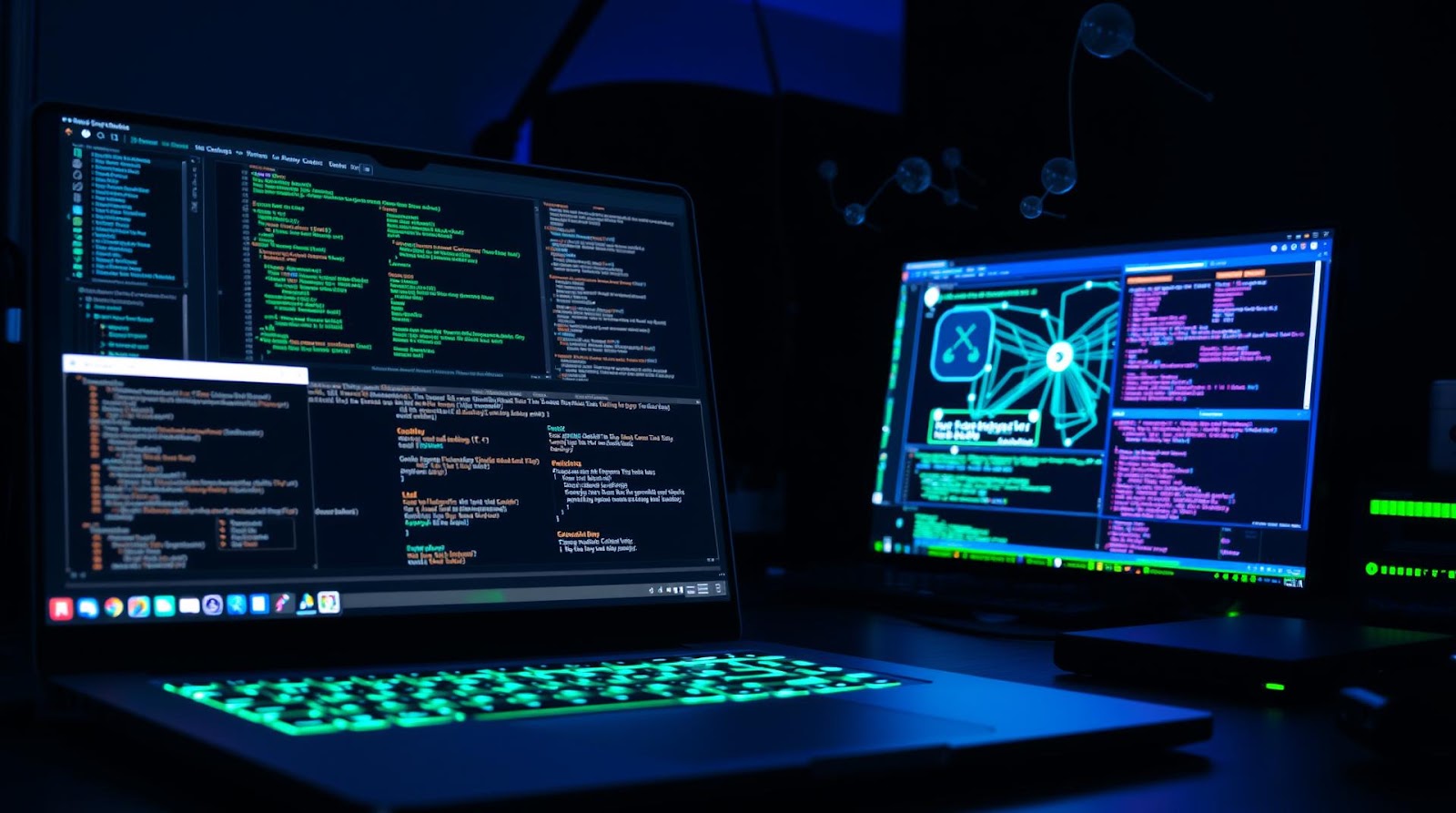
I'm going to be direct: the cybersecurity industry has a gatekeeping problem. Everyone talks about certifications, corporate labs, and expensive setups. But here's what I've learned after setting up three different home labs (and tearing down two of them)—you don't need much to start. You need smart choices.
This isn't a "complete guide to cybersecurity" piece. This is me telling you what actually worked, what I wasted money on, and why your old laptop might be more valuable than you think.
Why You're Probably Overthinking This
Last year, I watched someone drop ₹80,000 on server hardware for a home lab they used twice. They had the hardware fever—that thing where you convince yourself you need enterprise-grade equipment to learn anything real. I did the same thing in 2019.
Here's the truth I learned the hard way: a home lab is a sandbox. You're not running production systems. You're breaking things intentionally and learning why they break. That changes everything about what you actually need.
The barrier to entry for cybersecurity learning is mostly psychological, not financial. I know students in Bangalore running labs on ₹25,000 setups—a used laptop, VirtualBox, and free tools—and they understand network security better than people with expensive Cisco equipment sitting in their rooms collecting dust.
The Hardware Question (Spoiler: You Don't Need Much)
What You Actually Need
Let me break down what I use, because this is where opinions actually matter.
A host machine: This is your main computer. I used a 2015 MacBook Air for two years running virtual labs. Not ideal, but it worked. An older i5 laptop with 8GB RAM is genuinely enough to start. If you're in India, look for refurbished Lenovo ThinkPads—they're built like tanks and cost ₹15,000-25,000. They're not flashy, but they're reliable for labs.
RAM matters more than processor speed. I used to think I needed the newest CPU. Wrong. I maxed out the RAM on my budget laptop first, and suddenly everything ran smoother. 16GB is the sweet spot for home labs. 8GB is tight but doable. Anything below that, and you'll spend half your time waiting for VMs to load.
Storage is your second priority. VMs eat disk space like nothing else. A 256GB SSD fills up faster than you'd expect. I ended up buying a cheap 500GB external SSD (₹3,000-4,000) just for lab VMs. Best decision, honestly. Keeps my main drive clean.
The Case for Starting Small
Don't buy a server. Just don't. I see people buying mini PCs or old server hardware thinking they'll "grow into it." Most of them don't. They get intimidated by the complexity, or they realize they're paying money for electricity to run a machine that's 30% utilized.
Start with what you have. If you have a laptop, use it. Yes, running 3-4 VMs simultaneously will slow things down. That's actually useful—you learn to be efficient, to snapshot your VMs, to think about what you really need running at any given time. Real cybersecurity work is about constraints anyway.
| Setup Type | Initial Cost (INR) | Monthly Power Cost | Best For |
|---|---|---|---|
| Laptop + VirtualBox | ₹0-25,000 | ₹200-500 | Absolute beginners, students |
| Mini PC + 16GB RAM | ₹30,000-50,000 | ₹400-800 | Serious learners, part-time study |
| Used Server + Setup | ₹60,000-1,50,000 | ₹1,500-3,000 | Advanced learners, career switchers |
Software and Tools (Free Options That Don't Suck)
This is where I get genuinely frustrated with how cybersecurity is taught. People act like you need expensive software licenses. You don't. Not even close.
Virtualization
VirtualBox is free. It's open-source, it works on Windows/Mac/Linux, and it's legitimately powerful enough for learning. Yes, VMware is fancier. No, you don't need it as a beginner. I used VirtualBox for three years before touching VMware, and I didn't miss anything. Save your money.
Proxmox is another option if you ever graduate to a dedicated machine—it's enterprise-grade but free. I tried it, got intimidated, went back to VirtualBox. Nothing wrong with that.
Operating Systems
Linux, Windows Server, and various hacking distributions are all free to download. Ubuntu Server is my go-to for learning because it's what companies actually use (so you're learning real skills), and it's free. Kali Linux is great for penetration testing practice, also free. Windows Server you can technically get free evaluation copies, though they expire.
I could be wrong here, but I think the emphasis on Kali Linux for beginners is overblown. Yes, it's useful. But learning network fundamentals on Ubuntu Server will help you more initially. Kali can wait until you actually understand how networks work.
Penetration Testing and Security Tools
Metasploit Framework: Free. Industry standard. It's what the professionals use, so you're learning the real thing.
Wireshark: Free packet analyzer. This alone has taught me more about how networks actually work than any course. See what traffic your VMs are sending. Understand protocols. It's incredibly powerful and costs nothing.
Burp Suite Community Edition: Free for web app testing. The paid version has more automation, but you'll learn just fine on the free one. I used it for months before upgrading.
Nmap: Free. Network mapping tool. Essential. Learn it.
Building Your First Lab (Don't Overcomplicate It)
Start Here: The Minimal Setup
Two virtual machines. That's your starting point. One Windows, one Linux. Nothing fancy.
Put them on an isolated virtual network (VirtualBox makes this trivial—just change the network settings to "internal network"). Now you have a sandbox where you can practice:
- Port scanning with Nmap
- Packet capture with Wireshark
- Basic exploits in a safe environment
- Malware analysis (safely, because it's contained)
- Network hardening
That's not a toy setup. That's a legitimate learning environment. I've seen people move from this to junior penetration testing roles.
When to Expand
Once you're comfortable (maybe 2-3 months of consistent practice), add:
- A vulnerable intentional lab VM (like DVWA—Damn Vulnerable Web Application—it's free)
- A router VM if you want to learn network security specifically
- An actual lab environment service like HackTheBox or TryHackMe
Notice I said "lab environment service." These aren't home lab, but I'm mentioning them because they're cheaper (₹500-2,000/month) and often better for learning than trying to build everything yourself. I used to be a purist about the home lab thing. Now I think mixing both approaches makes sense.
Networking It All Together (The Part People Screw Up)
You need your VMs to talk to each other. This sounds simple, and it mostly is, but people mess it up constantly.
Internal network mode: Your VMs can talk to each other but not your main machine or the internet. This is good for isolation when you're testing malware or vulnerable apps. VirtualBox default.
NAT mode: Your VMs can access the internet through your host machine. Useful for downloading tools, but less safe if you're testing malicious code.
Bridged mode: Your VM appears as a separate device on your actual home network. Most dangerous for a home lab because malware could, theoretically, spread to other devices. I rarely use this.
I set up everything on internal network when I'm learning. Once I understand what I'm doing, I'll sometimes use NAT. Bridged mode? That's for when you're confident and have backups, which you should have anyway.
Speaking of which: snapshot your VMs before doing anything risky. Seriously. It takes 10 seconds and has saved my learning process hundreds of times. I can go from "completely messed up" back to "working state" in 30 seconds. This is actually one of the main reasons home labs beat real-world tinkering for learning—consequences are zero.
My Take
The cybersecurity industry makes home labs sound like rocket science when they're really not. You need a decent laptop, some free software, and patience. That's it.
What surprised me most? How much faster I learned once I stopped worrying about hardware and started actually breaking things. I spent more time optimizing my setup than practicing in the first year. Huge waste. If I could go back, I'd tell myself: set up the minimum in one afternoon, then ignore the hardware forever and focus on learning.
What disappointed me was realizing how much of the home lab obsession is just gear acquisition dressed up as learning. It's the same energy as fitness YouTubers selling you a ₹50,000 home gym when you'd benefit more from a ₹500 resistance band and discipline. The flashy setup doesn't matter. Your practice does.
This is genuinely for three groups: students who are curious but broke, professionals switching careers who need to learn hands-on, and hobbyists who like tinkering. If you're in any of those groups, a home lab is not optional—it's how you actually learn. But you don't need the expensive version to start.
Verdict
Set up a home lab. Do it this week. Spend under ₹30,000 if you don't have a laptop already, ₹5,000 if you do. Use it for 6 months. Learn consistently. This is one of the few tech investments that actually pays for itself through better job prospects or a genuine skill.
Just don't fall into the hardware trap. The bottleneck isn't your lab. It's you showing up and practicing. A home lab sitting idle is worthless. A home lab you use 5 hours a week on a laptop worth ₹20,000 is priceless.
Published by Dattatray Dagale • 26 May 2026










0 Comments