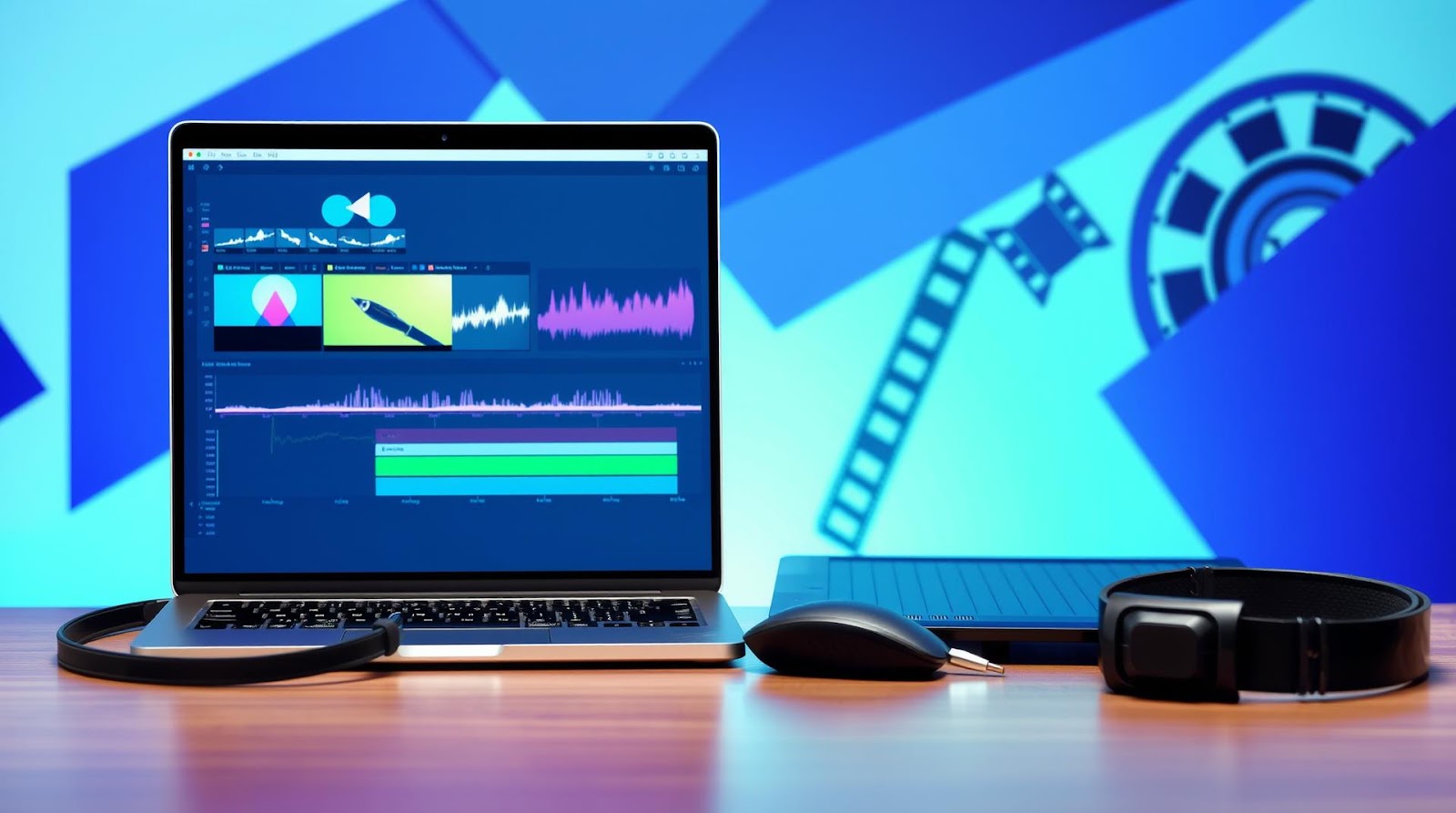
I spent £40 on a video editing software three years ago. Never used it. The learning curve felt like climbing Everest in flip-flops, and I abandoned the whole thing after two weeks.
Then I accidentally made a decent YouTube video using free tools. Now I edit regularly. The difference? I stopped looking for the "best" software and started looking for software that didn't make me want to throw my laptop out the window.
Here's what I've learned the hard way: most beginners don't need professional features. They need something that works, doesn't crash every five minutes, and doesn't require a computer science degree to figure out. The good news? Those tools exist. And they're free.
Why Free Video Editing Actually Works Now
Five years ago, I would've told you that free video editing software was a joke. Watermarks everywhere. Exports that took four hours. Crashes that made you lose unsaved work.
Things changed. Fast.
The barrier between "free" and "paid" software has basically collapsed. Open-source communities got serious. Tech companies realized they could hook people on free versions and upsell later. And honestly, creators got tired of paying £15–30 monthly for features they never use.
What you get now is genuinely usable. Not "usable for free." Usable, period. I've edited videos on free software that look just as polished as stuff made with Adobe Premiere Pro. The only real difference is that I didn't spend three hours rendering and my sanity remained intact.
The One Thing Free Software Won't Do
It won't render as fast as paid software. This is the honest bit that nobody talks about. Your 10-minute video might take 15 minutes to export on a free tool versus 8 minutes on Premiere Pro. If you're editing one video a week, who cares? If you're editing five videos a day, this matters.
Also — and this is important — free software sometimes crashes with large projects. I've lost work twice. Both times, it was my fault for not saving regularly, but still.
If you can live with that trade-off, you're good. If you can't, you might want to consider paid options after trying free ones first.
The Tools That Actually Work
DaVinci Resolve — The One I'd Recommend First
I used to think DaVinci Resolve was overkill for beginners. Professional colorists use this thing. Why would a student making their first YouTube video need software designed for Hollywood editors?
Then I actually watched a beginner use it. And I realized the interface, while powerful, is somehow less confusing than some simpler tools. It's weird, but it works.
DaVinci Resolve (free version) gives you timeline editing, effects, transitions, and color grading. All the stuff you actually need. The learning curve isn't steep once you find one good tutorial. I recommend starting with Casey Faris on YouTube — he makes it click in about 20 minutes.
The free version doesn't include Fusion (motion graphics) or advanced color tools, but honestly? You don't need those yet. Come back to them in six months.
Best for: Anyone serious about learning. Not afraid of slightly more complex software. Making YouTube videos, short films, or podcast intros.
Biggest advantage: It doesn't feel limited. You're not hitting walls constantly like you do with some free tools.
Biggest downside: It's heavy. Needs a decent computer (not a potato from 2010). First time you open it, it looks intimidating.
CapCut — The Tool Everyone's Actually Using
CapCut has this weird reputation. TikTok creators love it. Serious videographers dismiss it. I think both are right, which is confusing.
Here's my honest take: CapCut is genuinely easy to use. The interface feels intuitive. You can make something that looks decent in 20 minutes. I've seen TikToks edited on CapCut that rival stuff made with professional tools.
But it's also somewhat limited if you want to do anything slightly complex. Once you move past basic cuts, transitions, and text overlays, you'll start wishing you had more control.
Best for: Social media content. TikTok, Instagram Reels, YouTube Shorts. Quick editing. People who want results fast and don't care about fine-tuning every frame.
Biggest advantage: You'll actually finish your videos. Low friction means you actually publish content instead of fiddling forever.
Biggest downside: It's a bit of a crutch. If you only use CapCut, you won't develop real editing skills.
Shotcut — For People Who Like Control
Shotcut is the tool I recommend if you're stubborn and like learning things properly. It's open-source. It has a learning curve that's honestly steeper than DaVinci Resolve. But once you learn it, you understand *why* things happen instead of just clicking buttons randomly.
It's genuinely powerful. Maybe too powerful for a first project. But if you're willing to spend three hours watching tutorials, you'll be able to do almost anything a paid tool can do.
Best for: People who want to understand video editing, not just make videos. People comfortable with slightly older, clunky interfaces if it means more control.
Biggest advantage: No limitations. What you see is what you get. No "upgrade to unlock" paywalls.
Biggest downside: It looks like software from 2012. Because it basically is software from 2012 that's been updated. The interface is functional but not beautiful.
The Quick Comparison
| Software | Best For | Learning Curve | Export Speed | Stability |
|---|---|---|---|---|
| DaVinci Resolve | Serious learners, YouTube | Medium | Good | Very Stable |
| CapCut | Social media, quick edits | Very Low | Very Fast | Stable |
| Shotcut | Control-focused, technical users | High | Slow | Stable |
| OpenShot | Simple projects, beginners | Very Low | Okay | Okay |
| HitFilm Express | Visual effects, gaming videos | Medium-High | Okay | Good |
Honest Words About Browser-Based Tools
I tested Canva Video, Adobe Express (free tier), and Runway. They're convenient. Edit in your browser, no downloads, no waiting for your computer to process things.
But here's the thing: they're not really for video editing. They're for making animated slides with video elements. If your project is "make a 15-second Instagram ad," brilliant. If you're trying to edit a 20-minute podcast or a YouTube video, you'll hit limits fast.
Use browser tools as a supplement, not your main editor.
My Take
Here's what surprised me: the gap between what you *can* do on free software and what you *think* you need is enormous. Most beginners assume they need professional tools. They don't. They need something that doesn't crash and has decent tutorials.
What disappointed me is how many people dismiss free software before even trying it. They assume "free" means "worse." Sometimes it just means "no marketing budget."
If I were starting today, I'd begin with DaVinci Resolve. Learn it properly for two weeks. Make three full videos. Then decide if I want something different. I'd skip CapCut initially unless I was only making 15-second social videos — because learning CapCut teaches you almost nothing that transfers to other tools, while DaVinci Resolve teaches you concepts that work everywhere.
The real verdict? You don't need to pay. You just need to pick one tool and actually commit to learning it instead of jumping between five free trials hoping one magically makes editing easy.
Verdict
Start with DaVinci Resolve. It's free, genuinely powerful, and you won't outgrow it quickly. Spend two weeks with it. Watch one good tutorial series (Casey Faris on YouTube). Make your first video. If you hate it, move to CapCut for quick social media edits.
Don't buy expensive software yet. You probably don't need it, and you definitely won't use it if you're just starting. Free tools are good enough to learn properly, and learning is what matters right now — not the software.
Come back to this article in six months. See if your opinion changes. Mine probably will too.
Published by Dattatray Dagale • 08 July 2026







0 Comments