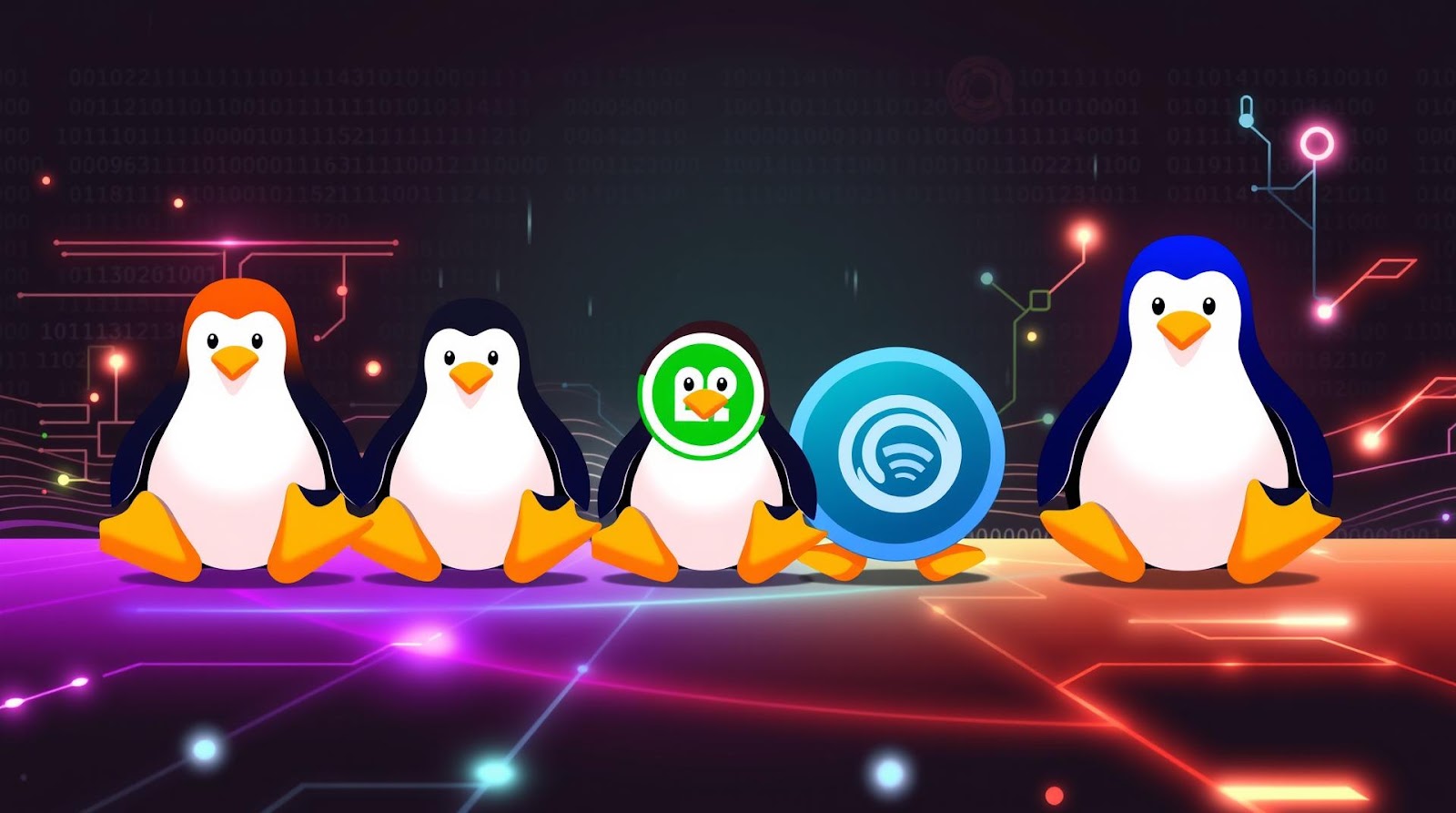
I've been watching people switch to Linux for three years now. And almost every single one of them picks wrong.
They download Ubuntu because it's famous. Or they go full-nerd and try Arch on day one. Or they settle for something lightweight that turns out to be a desktop graveyard with zero community support when things break at 2 AM.
The thing is, 2025 is actually the best year to switch to Linux as a beginner. The distros are faster, the installation is genuinely painless, and the community is less gatekeepy than it used to be. But you still need to pick the right one for you—not the one Reddit says is "objectively best."
So I'm walking you through the distros I'd actually recommend, with the exact reasons why and the honest tradeoffs that matter.
Ubuntu 24.04 LTS: The Safe Choice That Actually Works
Let's start with the elephant in the room. Ubuntu gets memed on constantly. "It's bloated," "It's just for beginners," "Real Linux users use [something obscure]."
Ignore that noise.
Ubuntu 24.04 LTS is legitimately solid for someone new to Linux. Here's my process for getting it set up:
Step 1: Download and Create Installation Media
I grab the ISO from ubuntu.com directly—always the LTS (Long Term Support) version unless you like updating your system every nine months. For installation media, I use Balena Etcher (it's cross-platform and does exactly one thing well). Plug in a USB stick, select the ISO, click Flash. Done in under five minutes.
Why not the other tools? Rufus works fine on Windows, but Etcher just feels smoother. I've had zero failed flashes with it over three years.
Step 3: The Actual Installation (It's Boring, Which Is Good)
Boot from USB. Click "Install Ubuntu." The installer walks you through everything: keyboard layout, network, disk partitioning. For beginners, I always recommend "Erase disk and install Ubuntu"—don't overthink the partitioning unless you're dual-booting.
The whole thing takes 10–15 minutes. You'll restart. It works.
Here's what surprised me though: Ubuntu's GNOME desktop feels genuinely modern now. No weird lag. No random freezes. It's actually pleasant to use, which wasn't always true.
The tradeoff? Slightly heavier on system resources than some alternatives. If you're on a 2012 laptop, you'll notice. On anything from the last five years, you won't.
Fedora 41: For People Who Want Slightly More Challenge
Used to think Fedora was just "Ubuntu but red." I was wrong.
Fedora is actually bleeding-edge without being unstable—it gets new software faster, the package management (DNF) is snappier than apt, and the community is genuinely excellent. It's what I'd recommend if you're not a complete Linux newbie but you're still not ready for Arch.
Installation Process
Download Fedora 41 Workstation from fedoraproject.org. Same Etcher process as Ubuntu. Boot up.
The installer is clean. You'll pick your language, time zone, disk (same "erase and install" recommendation for beginners), create your user account, and that's it. Slightly fewer hand-holding messages than Ubuntu, but still straightforward.
Installation takes maybe 12 minutes.
Post-Install: The First Things You'll Notice
GNOME feels sharper on Fedora. Apps launch faster. This could be placebo—I might be biased—but the package versions are fresher, so in theory it makes sense.
You'll probably want to enable RPM Fusion for codecs and proprietary drivers. Open a terminal, paste two commands, hit Enter. That's how you get MP3 and video support without jumping through hoops.
The catch? Fedora updates every six months, so you're not on a long-term release. If stability matters more than having the latest stuff, Ubuntu's LTS is smarter. But if you like having current software and don't mind a biannual reinstall or upgrade, Fedora's your move.
sudo dnf groupinstall "Development Tools" after installation if you plan to compile anything. Saves you the frustration of missing dependencies later.
Linux Mint 22: The Most User-Friendly Desktop Experience
Mint gets underrated because everyone talks about Ubuntu and Fedora.
But here's the thing: if you care more about "does this feel nice to use" than "am I running cutting-edge packages," Mint is genuinely the winner. It's Ubuntu under the hood, so stability is rock-solid, but the Cinnamon desktop environment feels more like Windows than GNOME does—which is exactly what some people need.
Why Cinnamon Actually Matters
Cinnamon puts your panel at the bottom. Taskbar on the left (optional). Menu button in the corner. If you're coming from Windows, your muscle memory doesn't need retraining. That's not a small thing.
I used to dismiss this as "training wheels Linux." But I've watched enough people abandon Linux after three weeks because the desktop felt alien, and then I watched people on Mint stick with it because it just... made sense to them.
Installation Walk-Through
Grab Mint 22 from linuxmint.com (choose the Cinnamon edition). Flash to USB. Boot. Click "Install Linux Mint."
The installer is the simplest I've seen. Language, keyboard, timezone, disk, user account. You're done in 10 minutes. The post-install setup wizard asks if you want to install proprietary codecs and drivers—just say yes and move on.
Everything works out of the box. Bluetooth. Wifi. Video playback. This is the distro I'd hand to my parents if they asked me for Linux.
The limitation? It's based on Ubuntu's packages, so you're not getting the absolute latest software. If you need brand-new applications, you're waiting for Ubuntu to release them first. Not a big deal for most people, but developers should know this.
Elementary OS 8: Beautiful, But There's a Catch
Elementary looks absolutely gorgeous. The design is tight, consistent, nothing feels half-baked. I genuinely enjoy using it.
But I'm hesitant to recommend it to beginners because of philosophy mismatches.
Elementary is opinionated—it removes settings you might need, curates the app store heavily, and positions itself as "beautiful first, flexible second." For someone just learning Linux, that can be frustrating.
When Elementary Makes Sense
If you value aesthetics and simplicity over customization, install it. If you like knowing exactly how your system works, don't.
The installation process is identical to Ubuntu (same base), and everything works smoothly. But the first time you want to change something and realize you can't without terminal commands, you might get annoyed.
Quick Comparison and Verdict
| Distro | Best For | Learning Curve | System Requirements | Community Support |
|---|---|---|---|---|
| Ubuntu 24.04 LTS | Reliability, server work, default choice | Very Easy | 4GB RAM recommended | Excellent |
| Fedora 41 | Fresh software, developers, learners | Easy to Moderate | 4GB RAM recommended | Very Good |
| Linux Mint 22 | Windows users, ease of use priority | Very Easy | 2GB RAM minimum | Excellent |
| Elementary OS 8 | Aesthetics, minimalism | Easy | 4GB RAM recommended | Good |
My Take
Here's what actually matters when you're picking your first Linux distro: Will you still be using it in six months?
Most people don't stick with Linux because they chose something based on a YouTube ranking instead of how their brain actually works. Some people need beautiful defaults (Mint or Elementary). Some people want fresh software and don't mind tinkering (Fedora). Some people just want it to work and never think about it again (Ubuntu).
I used to think Ubuntu was the "correct" beginner choice. I still think it's solid, but honestly, Linux Mint surprised me. It's easier than Ubuntu for first-timers, it's more stable than Fedora, and it doesn't lock you into Elementary's aesthetic philosophy. The only reason people don't pick it is because it's boring—and that's exactly why it's good.
Fedora, if you're a little technical and want to learn how things work without falling into the Arch rabbithole. Ubuntu, if you just want something that works. Mint, if you're coming from Windows and want that to feel natural. Everything else? Nice to know about, but not where you should start.
Verdict
Start with Linux Mint 22 if you value ease above all else. It's the fastest path to actually using Linux instead of fighting with it.
Go with Ubuntu 24.04 LTS if you want long-term stability and maximum community answers on Google. You won't regret it, even if it feels slightly generic.
Choose Fedora 41 if you're already somewhat technical and want your system to feel modern.
Skip the complexity. Skip the distros with 47 variants and 12 spin-offs. Pick one from this list, install it, and stop second-guessing. The distro matters way less than actually using Linux and learning it. That's it.
Published by Dattatray Dagale • 02 July 2026







0 Comments